


19
Oct
SAP renaming Field Names/Keywords using CMOD
Posted by Admin, under DDIC, Enhancement/Modification, Quick Reference, SAP, Tutorial, UtilitySAP allows to modify its Keywords/Field names using the Customer Modification Transaction(CMOD).
To adjust/change any keyword or DDIC field name, navigate to CMOD and browse to the option Goto->Text Enhacements->Keywords->Change.

It will ask you for the field name you want to modify/enhance. Here specify the Field Name and the language in which you want to change to be made.
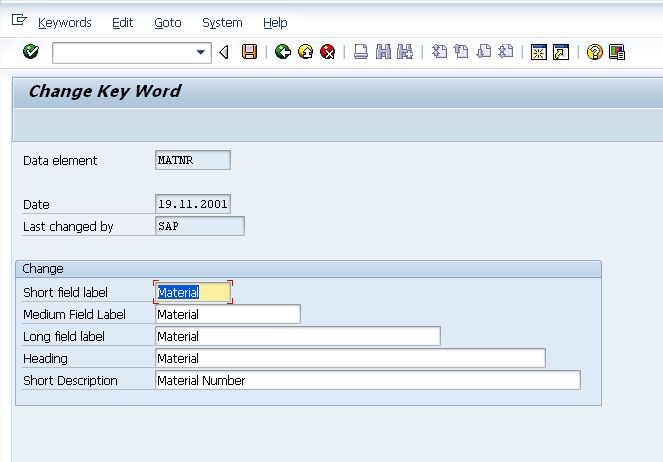
It will take you the screen where you can specify various type of texts for the field name enhacement. Change the text as desired and save. It will impact the keyword throughout SAP.
You might also be interested in these posts:
Post a Comment